
Forever Loremaster Quest Log
Quest log and zone progress tracker for WoW: Forever.
Loremaster quest guide: every quest by zone
Get the app: Google Play · App Store · Web app
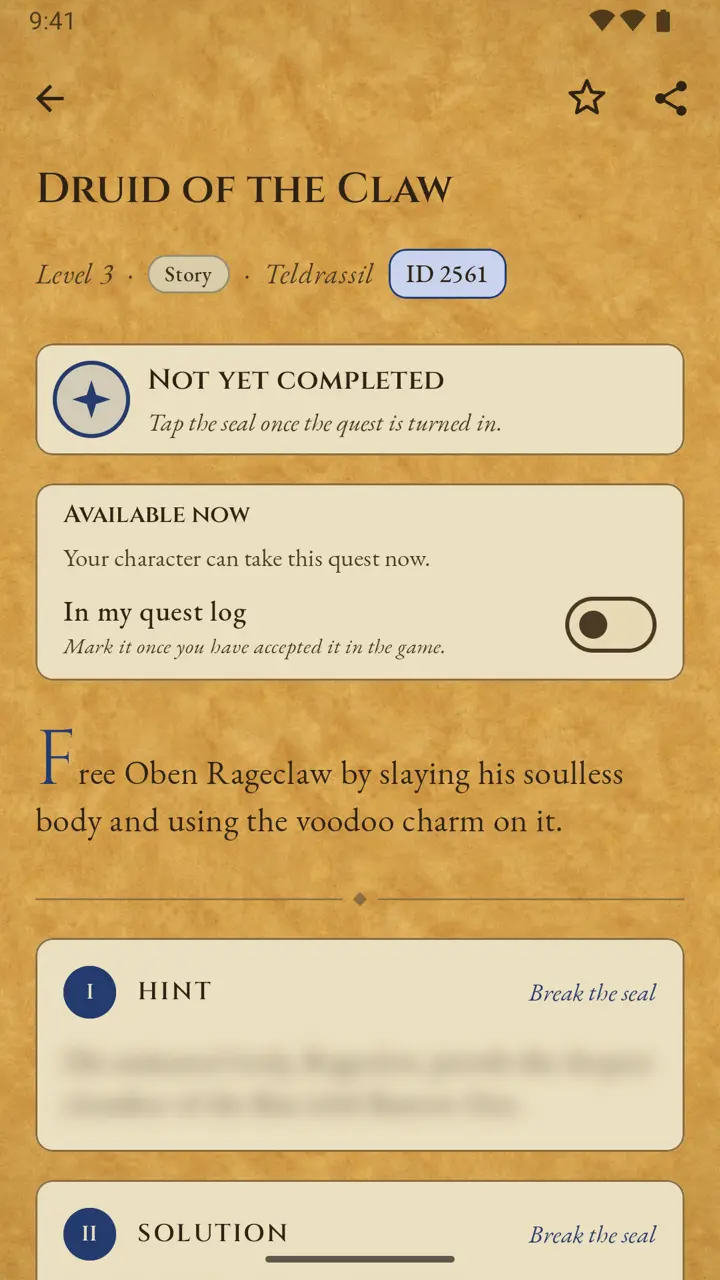
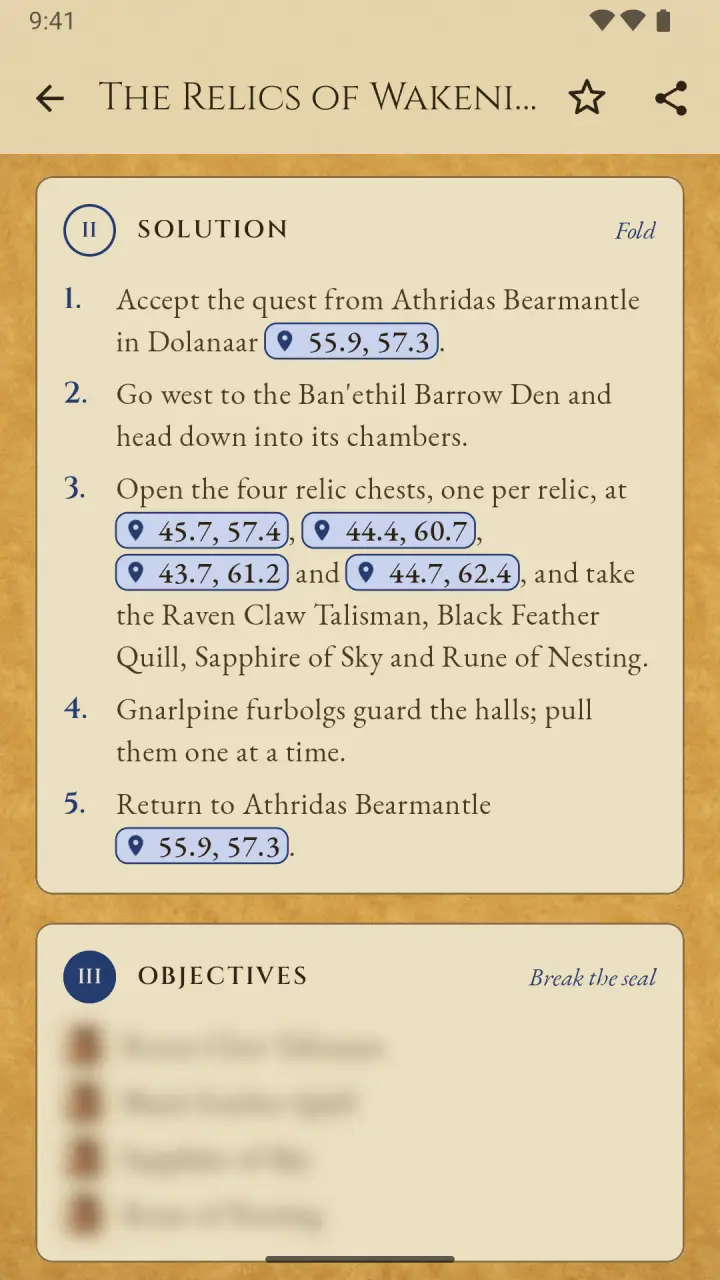
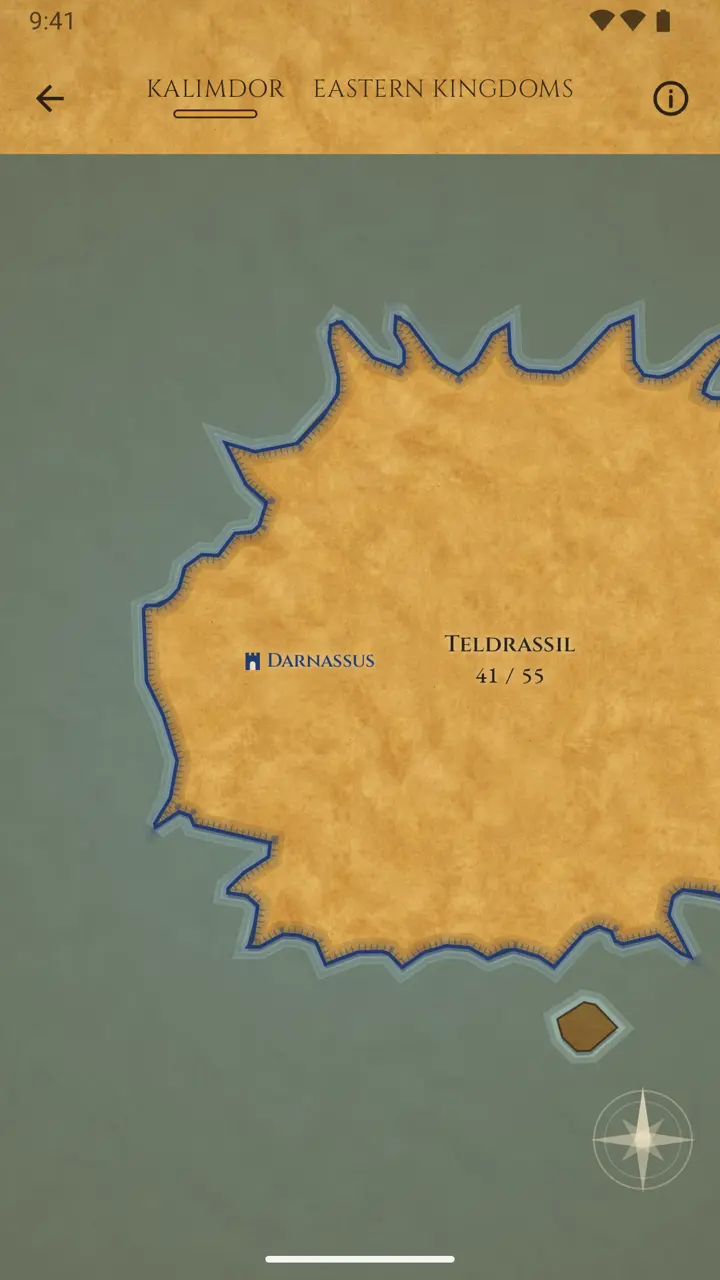
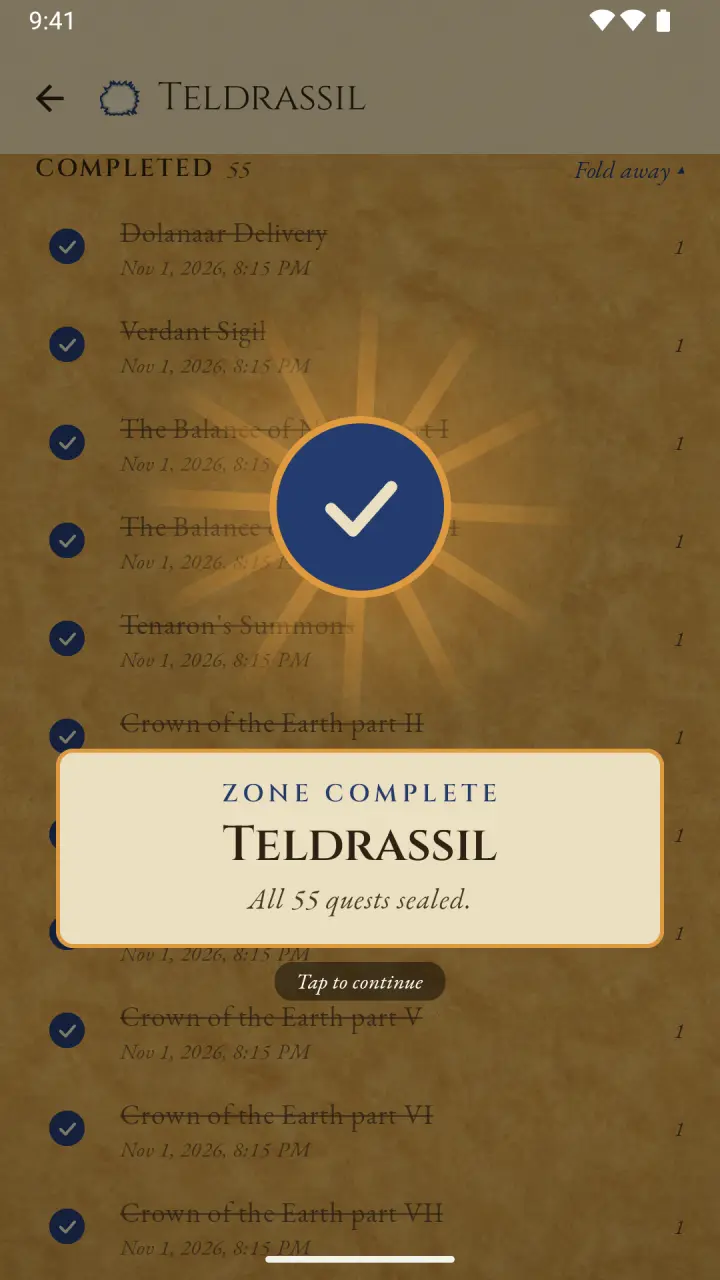
Tick off every quest of a zone as you play, see what is still missing and watch your map fill in. Hints, solutions and coordinates stay sealed until you want them.
Blog: questing and Loremaster in WoW: Forever
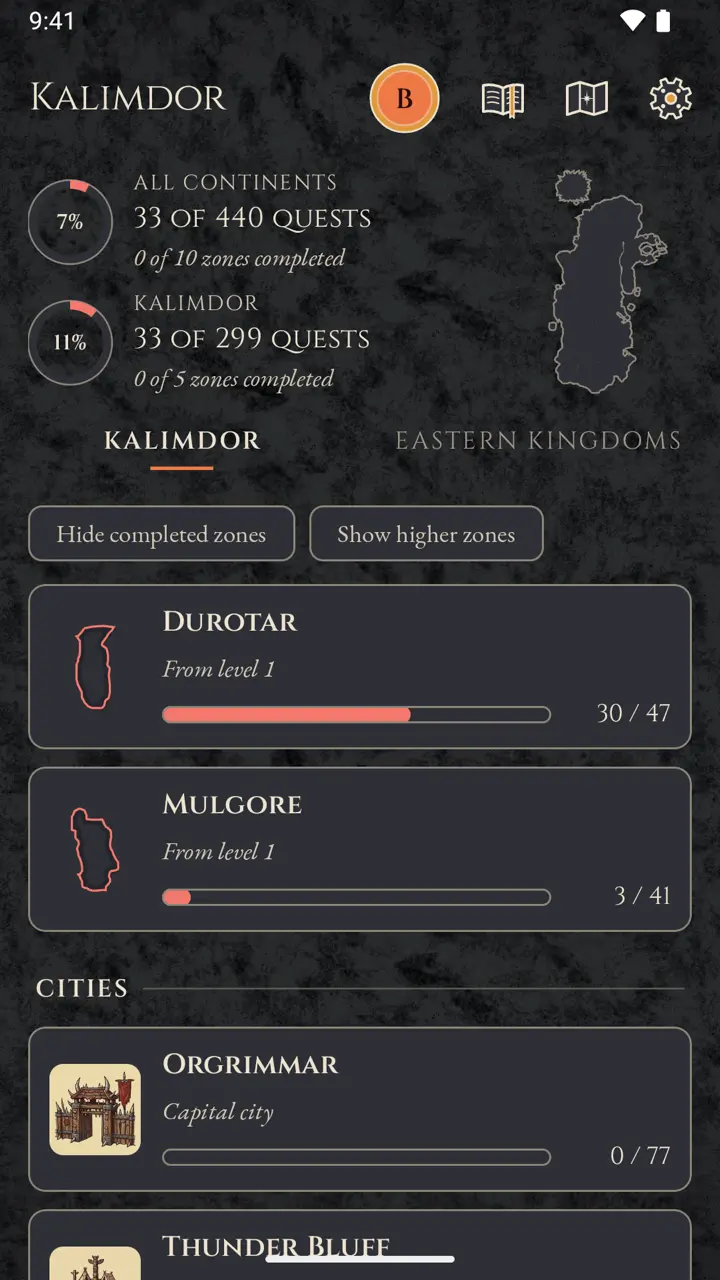
One Horde character's view: the tally counts only the zones and quests that character can do. 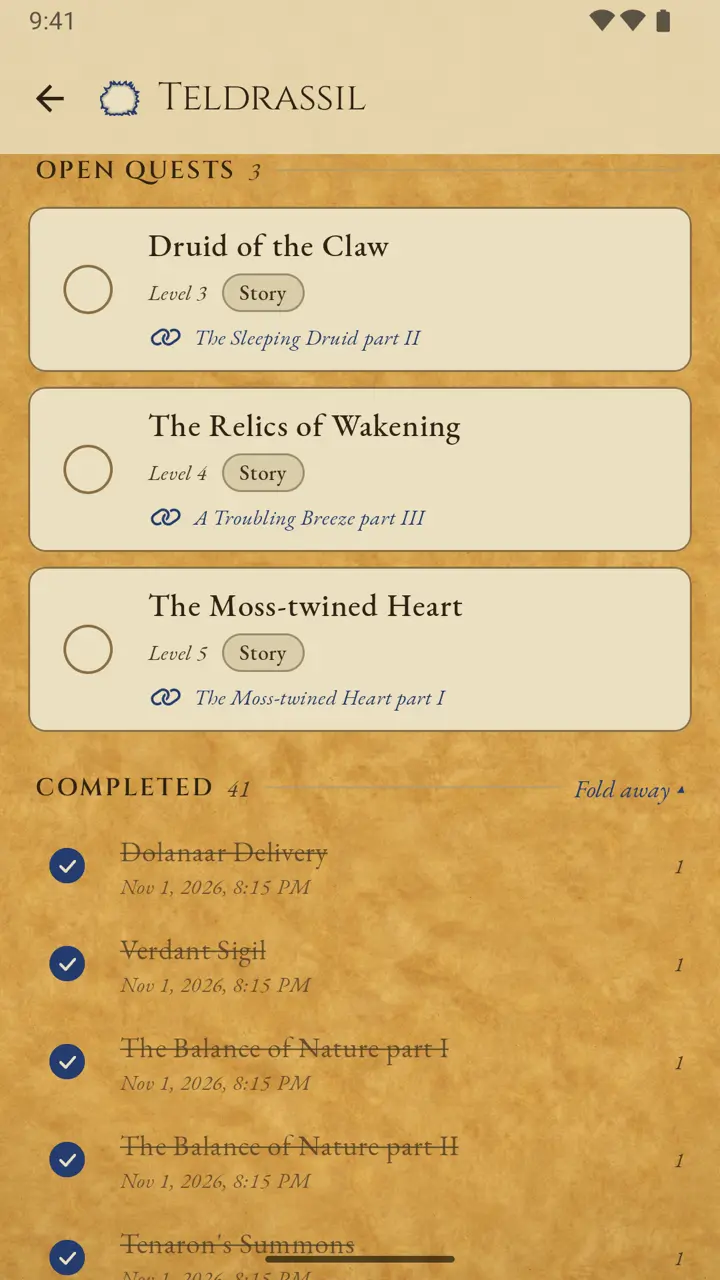
Questions and answers
What is Forever Loremaster Quest Log?
A fan-made quest journal for WoW: Forever. It lists the quests of every zone it covers, ticks them off per character and shows exactly which ones are still missing. It is not affiliated with Blizzard Entertainment.
Which zones and how many quests does it cover?
18 zones of Eastern Kingdoms and Kalimdor for Alliance and Horde, including 6 capital cities: 1,638 quests with summaries, hints and solutions written for this app. More zones follow with updates.
Is the app free?
Yes. The app is free and shows a small banner at the bottom of the zone screens. A one-time purchase removes the ads for good.
Does it work offline?
Yes. The Android, iPhone and iPad apps carry the quest data with them and work offline; your progress is saved on your device.
Do I need an account? Where is my progress stored?
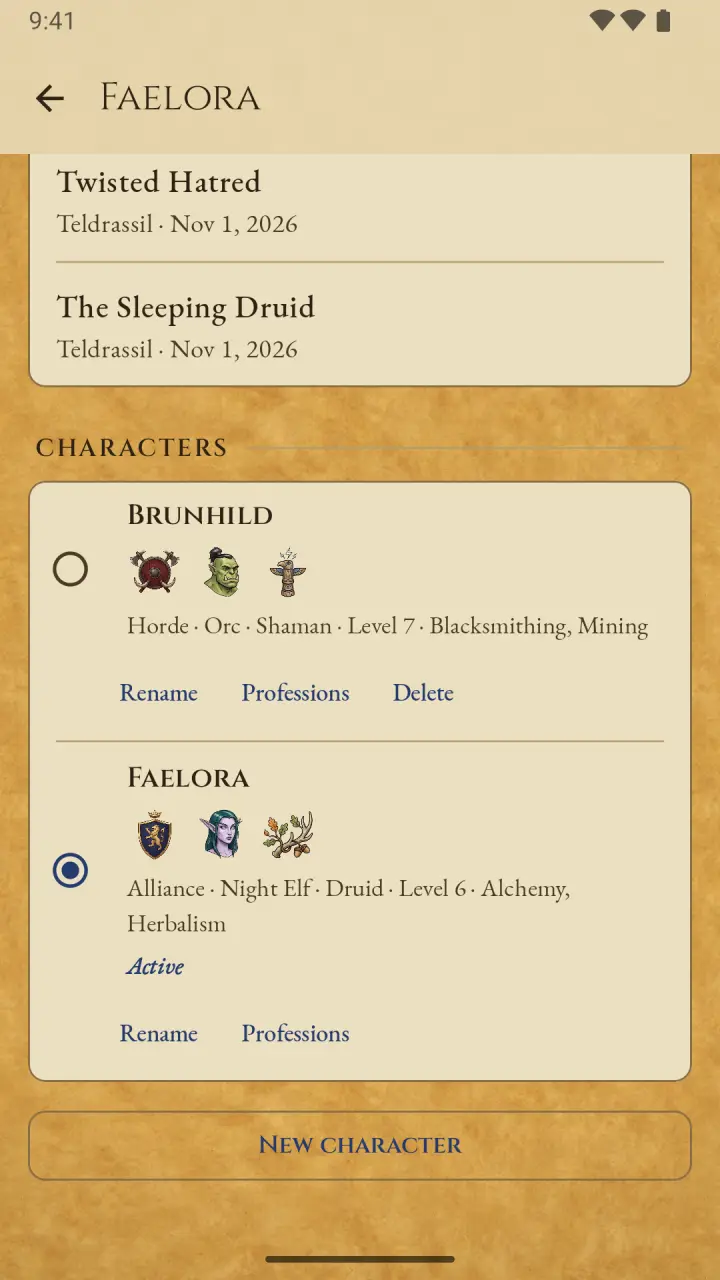
No account and no sign-up. Your characters and progress stay on your device. Each device keeps its own progress; there is no sync.
Which devices does it run on?
Android (Google Play), iPhone and iPad (App Store) and the web app at app.loremasterquestlog.fans in the browser.
A quest is missing. What can I do?
Open the zone in the app and tap "Missing a quest?" at the end of its quest list; the short form sends your report to the developer. Anything else goes through "Send feedback" in the settings.